Home / Guides / Does HubSpot host websites?
Guide · HubSpot hosting
Does HubSpot host websites?
By SearchWebCode · Updated November 16, 2026 · HubSpot hosting · 2 min read
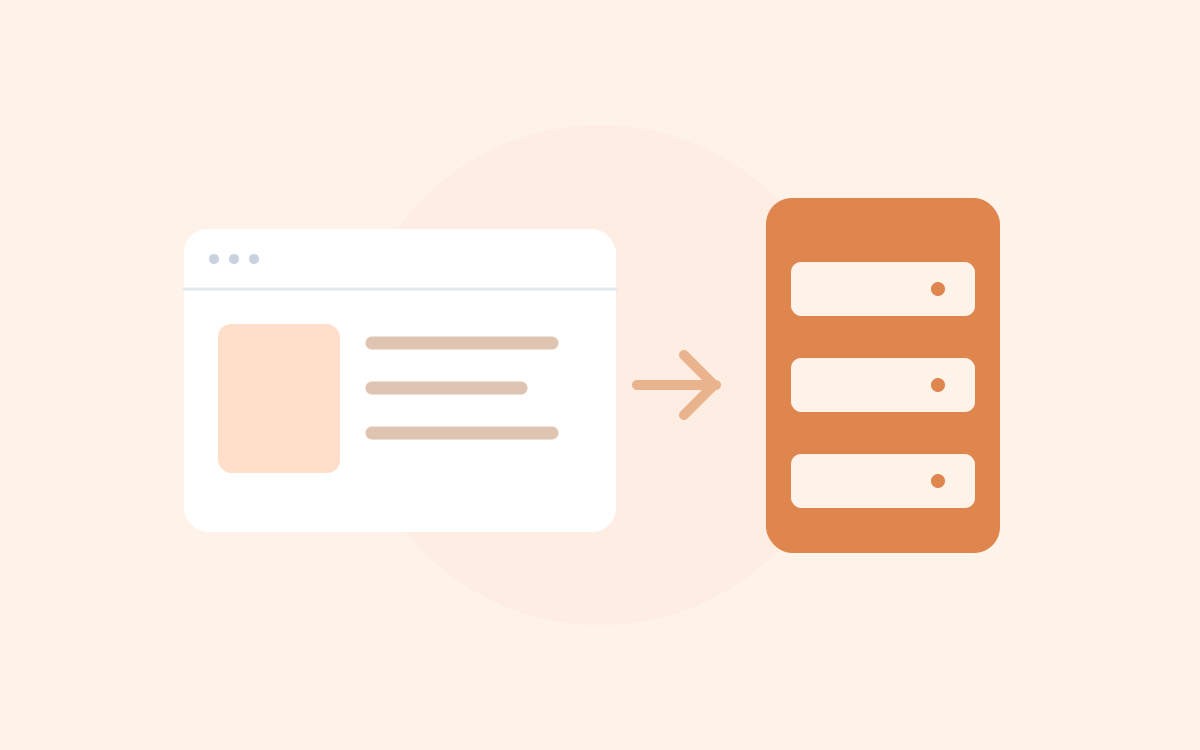
The useful distinction is between publishing a page through HubSpot and adding a HubSpot integration to another platform. Both can leave HubSpot references in the browser, but they answer different questions about the website.
What HubSpot hosts
HubSpot's website tools can publish CMS pages, landing pages and blog content on managed infrastructure. Its hosting offering includes SSL and delivery features. The available domains, content types and controls depend on the account's current subscription; check the live product documentation for a buying or migration decision.
Hosting a page does not mean that every part of a business's web presence uses the same platform. The main website, blog, store and support site can be served by different products on separate hostnames or routes.
Hosting, domains and DNS do different jobs
- Domain registration gives you control of a name.
- DNS directs requests for that name or a subdomain.
- Website hosting serves the page and its resources.
- The CMS manages the content you publish.
Connecting a domain to HubSpot is a configuration step. A registrar's name, a DNS provider or a CDN address is not a complete description of the CMS behind a page. Follow HubSpot's account-specific domain instructions rather than copying DNS values from another website.
A HubSpot integration can run elsewhere
HubSpot's tracking code can be added to an externally hosted page. Forms and chat can also be integrations. A WordPress site with a HubSpot script is therefore not automatically a HubSpot-hosted site.
For example, these are two possible arrangements, not newly inspected live websites:
| Arrangement | Observation | Reasonable description |
|---|---|---|
| A page published with HubSpot's CMS | Its publishing setup and page evidence identify HubSpot. | HubSpot-hosted content. |
| A WordPress page with a HubSpot loader | WordPress assets and an external tracking reference appear together. | A WordPress page with a HubSpot integration; hosting needs its own check. |
The HubSpot script explainer separates the loader from tracking and static assets. The WordPress plugin check helps interpret plugin-related clues on an external site.
Check a particular page
If you control the account, inspect the page's publishing settings and connected domain. For an external website, use the HubSpot CMS detection steps to examine source paths and document response headers. Record the specific page URL and corroborating observations.
A HubSpot-hosted image embedded on another site identifies an asset's location, not the host of the surrounding page. Likewise, a tracking portal number connects code to a HubSpot account but does not prove the business relationship between two websites.
Use the right list for research
The HubSpot source-reference sample is a starting point for investigation. Review the footprint used to select its pages before calling it a list of hosted websites. Keep CMS evidence separate from tracking, forms and chat in a reviewed technology list.
References
HubSpot documents its hosting offering, domain connection process and tracking code on external pages.
Source counts checked 2026-10-14. They describe stored homepages, not live installations. How the counts are measured.
← All guides · Browse technologies · Search and export pricing
Frequently asked questions
Does HubSpot tracking code mean HubSpot hosts the website?
No. Tracking can be installed on an external platform. Check the page publishing setup or separate CMS and hosting evidence.
Does the whole domain need to use HubSpot?
Different parts of a web presence can use different systems. Check the particular hostname and page instead of assigning one platform to the entire business.